Hidden iPhone tricks: 4 features you didn’t know existed

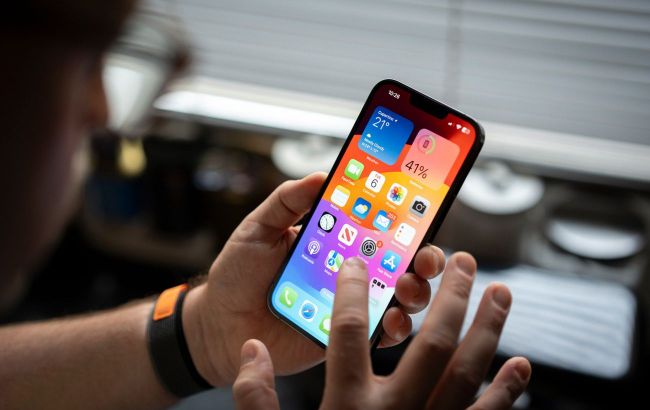 iPhone offers 4 features to enhance users daily life (photo: Getty Images)
Developers of the most popular gadget suggest focusing on Apple’s built-in apps that are truly useful and worth trying for every iPhone owner.
According to SlashGear, these tools can make everyday life easier for users.
Built-in iPhone apps worth using
In a short time, the iPhone has become a perfect device for daily use. Beyond calls and messages, users can record high-quality video, play flagship games like Death Stranding on the go, and much more.
Despite constant hardware improvements, it’s the software that unlocks most of the iPhone’s potential. Here are apps that can significantly simplify life for Apple users:
Passwords
As our lives are increasingly online, the number of credentials we manage keeps growing. The built-in iPhone app Passwords acts as a secure storage for logins.
Starting with iOS 18, any saved password is automatically added to the app. It also helps generate strong combinations. Saved credentials automatically fill in when logging into websites or apps if you enable Autofill (Settings > General > Autofill Passwords).
All passwords are protected by Face ID or Touch ID. The app also lets you manage Apple Passkeys – a safer and faster authentication method.
Apple Games
Modern iPhones feature some of the fastest mobile processors. The A19 Pro chip in the iPhone 17 Pro line has a 6-core CPU, 12 GB of RAM, and a graphics core capable of console-quality gaming.
Recent flagship iPhones have emphasized gaming performance. Popular AAA titles like Red Dead Redemption and Alien: Isolation are already available, while modern games like Genshin Impact showcase the device’s real capabilities. iOS 26 even added a pre-installed app – Apple Games.
The Friends tab lets you invite people for multiplayer games like Call of Duty: Mobile or challenge them. The Home tab quickly brings you back to recently played games or highlights new releases.
Journal
The Notes app handles quick notes, lists, and even well-formatted documents. It integrates Apple Intelligence writing tools, and private notes can be locked with Face ID.
It can also function as a personal journal. Users can create unlimited entries, adding photos, videos, audio clips, and location data for more context. Journal uses on-device machine learning to suggest new entry ideas.
Measure
Beyond communication, gaming, and productivity apps, the iPhone has handy utilities. The Measure app turns the camera and augmented reality (AR) into a precise measuring tool.
Any iPhone running iOS 12 or later can measure objects automatically. Rectangular objects are detected instantly. For others, tap the “+” button and trace the object with your phone.
LiDAR-equipped models provide the highest accuracy. Guideline lines appear on object edges, improving measurement precision. Afterward, tap the shutter button to save a photo with dimensions in your gallery.
The app also includes a Level mode, turning your iPhone into a construction-grade spirit level to check if surfaces are even.