Google rolls out Android 16: Improvements list for your smartphone

 New Android 16 update released with these features (photo: Getty Images)
Although Android 16 was only introduced in June, Google has already begun rolling out a major update with a wide range of new features. So far, the update is available only for Pixel devices, while users of other brands will have to wait, and not all features are guaranteed to reach their devices, according to TechRadar.
AI notification summaries
If a constant stream of messages and push notifications often throws you off, the new AI Notification Summaries feature can help. It works similarly to the “Notification Summary” on iOS: the algorithm condenses long messages and notifications into short notes, allowing you to grasp the main points without opening chats or reading lengthy texts.
However, the AI can make mistakes or miss context, so it’s too early to rely on it completely. Still, the feature allows you to quickly assess whether an immediate response is needed.
.jpg) AI-based notification summaries (photo: Google)
AI-based notification summaries (photo: Google)
Improved notification organization
AI summaries aren’t the only update in this area. Android now automatically groups and mutes less important notifications, such as news or promotional messages.
High-priority notifications—like messages from key contacts—appear at the top. Lower-priority messages are grouped below and can be expanded or ignored.
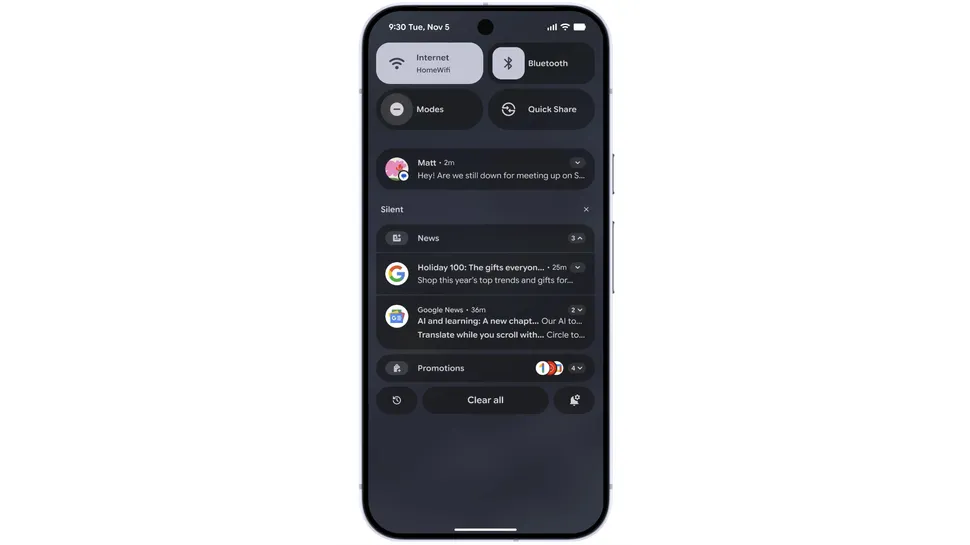 Notification organization (photo: Google)
Expanded personalization options
The update introduces new interface customization features, including user-defined icon shapes to give your home screen a more personalized look.
Additionally, when enabling themed styling, it now automatically applies to all supported apps, creating a unified visual appearance. The dark mode has also been improved: it now darkens even apps without their own dark theme, helping to save battery life.
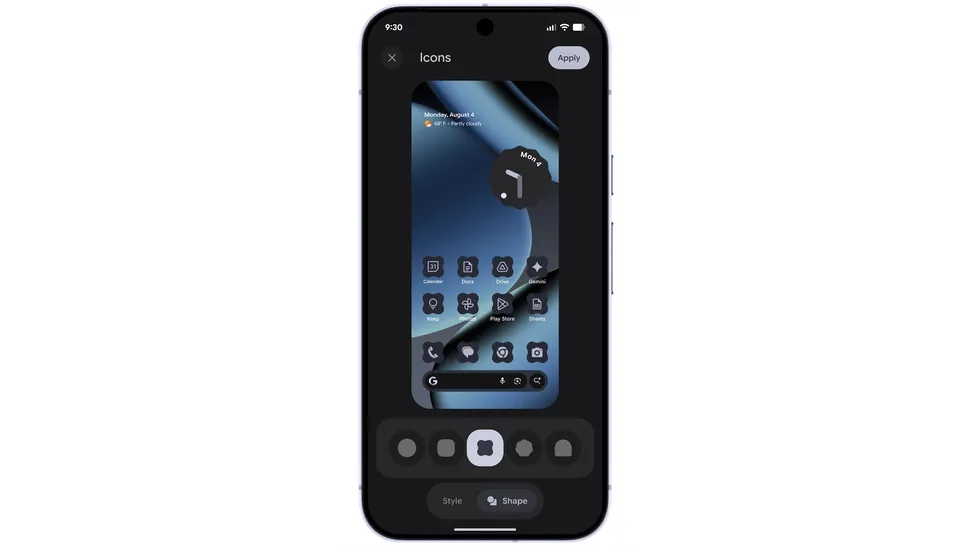 Expanded customization options (photo: Google)
Parental controls
On Pixel smartphones, the main settings menu now includes a dedicated section for parental controls, which can be protected with a PIN. Features include:
-
daily screen time limits
-
night “quiet” schedule
-
limits for individual apps, with the option to block them
Settings can be adjusted flexibly, for example, adding extra time once a limit has been reached.
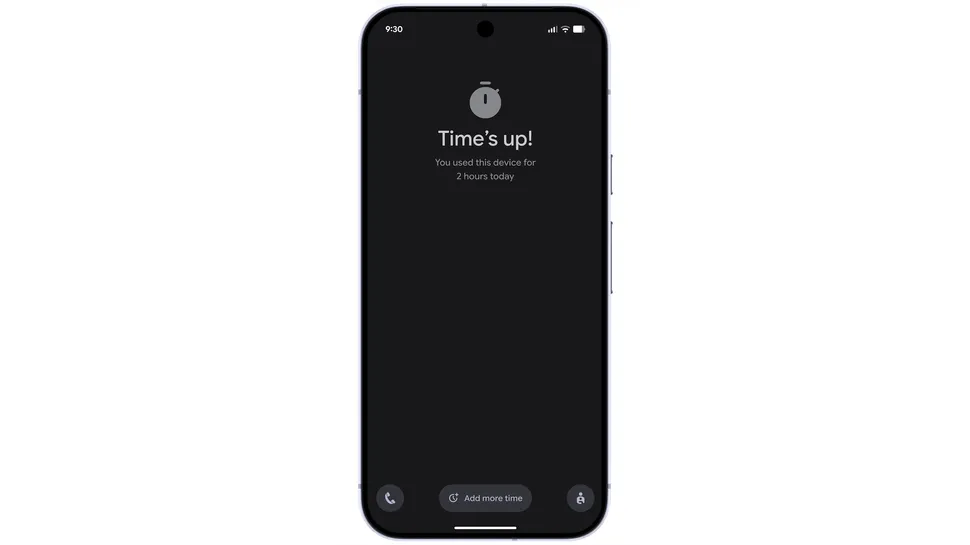 Parental control section added to main settings on Pixel phones (photo: Google)
Call Reason: urgent call label
The feature is currently in beta, but Google has already explained how it works. Users can mark a call in the Google Phone app as “urgent.” The recipient will see the label on their screen, and if the call is missed, it will appear in the call log. This helps respond more quickly to important calls.
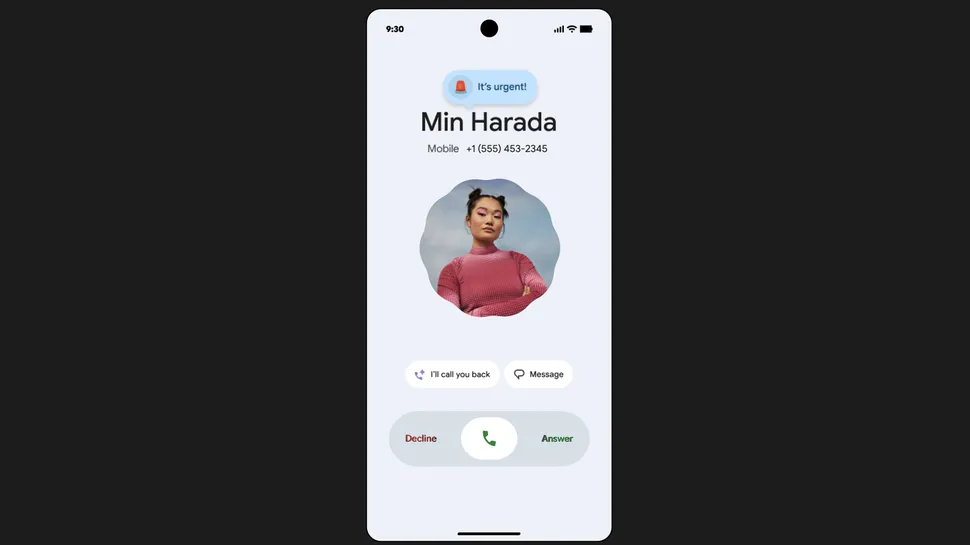 Call Reason is currently in beta testing (photo: Google)
Fraud check via Circle to Search
Circle to Search received a new security tool. If you highlight suspicious text—such as a message from an unknown number—the system provides an AI-based fraud likelihood assessment and suggests next steps.
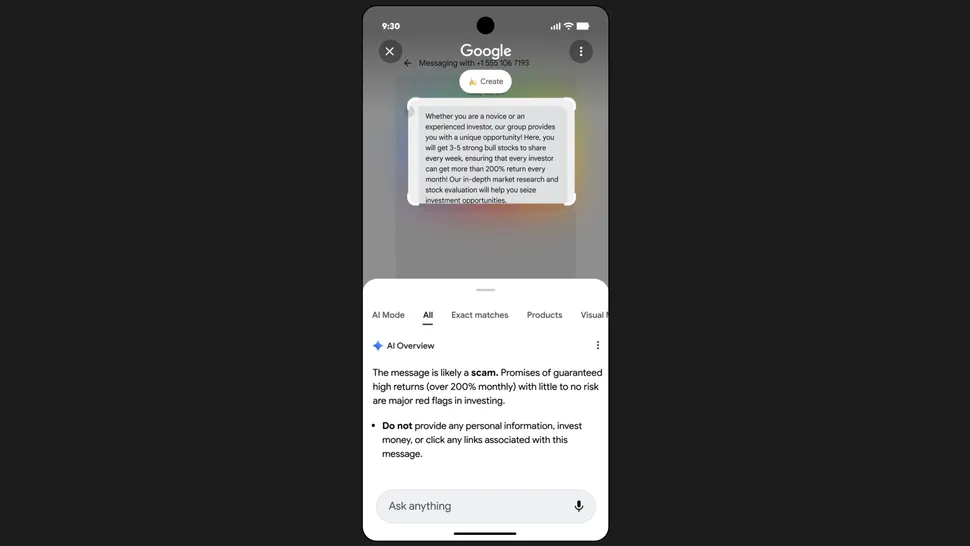 Circle to Search (photo: Google)
Accessibility improvements
The update also includes features that make using the smartphone easier for people with special needs. Among them:
-
simplified cursor control when a mouse is connected
-
Smart Dictation with Gemini support – allows editing text using voice commands, e.g., “shorten”
-
expanded Guided Frame capabilities: Gemini describes what is in the camera frame
-
launching Voice Access via a voice prompt to Gemini
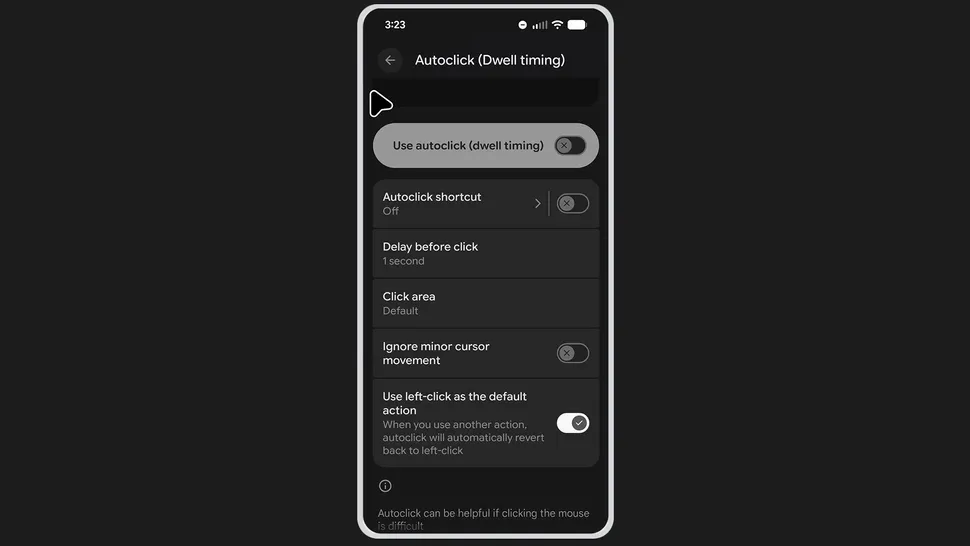 New update also includes various accessibility improvements (photo: Google)
Earlier, we reported that Israel introduced restrictions on Android usage for part of the population, leaving only iPhones among the permitted devices.