Do closing apps really save battery? - Experts reveal truth

 Closing apps does not save battery (photo: Unsplash)
Even with larger batteries and improved energy-saving technologies, users continue to try to maximize their smartphone usage between charges. That’s why myths about saving battery persist – one of the most common is that closing all apps helps extend battery life.
TechRadar explains what actually helps save battery.
The myth explained
The logic seems simple: if apps are open, they must be draining battery. Closing them feels helpful and even reassuring, like tidying up the system and reducing the load.
The process is familiar to most users. On iPhones, you swipe up from the bottom of the screen or double-press the Home button on iPhone 8 and earlier, then swipe the app up to close it. On Android, you swipe up, hold, and then close the app.
The interface gives the impression that all these apps are running simultaneously, quietly consuming.
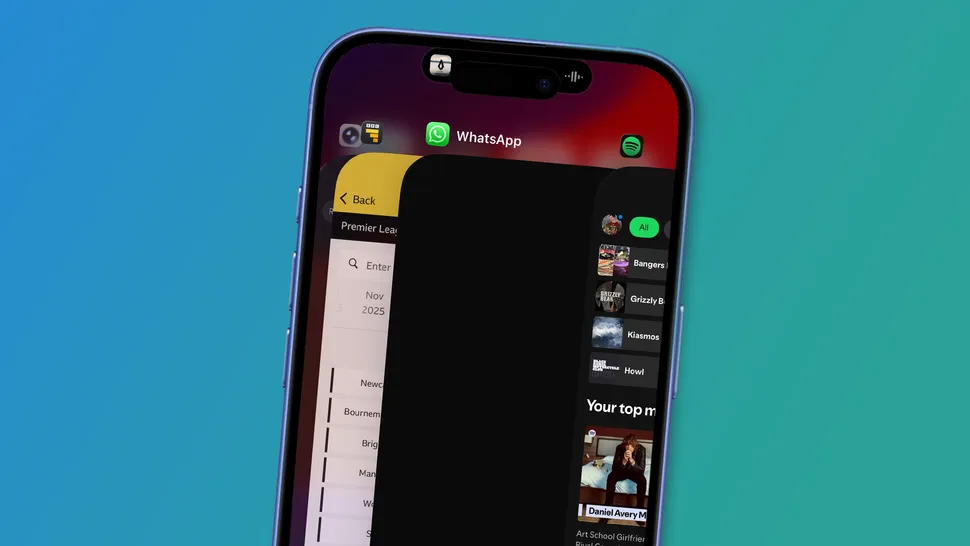
On iOS, swipe up from the bottom of the screen to open the app switcher and close apps with a swipe (photo: Apple)
What experts say
''Force-closing apps does not help your battery'', explains Steven Atwal, CEO and founder of The Big Phone Store, a company specializing in refurbished devices. According to him, this is one of the most common but misused pieces of advice.
When a user closes an app and then reopens it, the smartphone has to load it from scratch.''Doing this then takes power from your processor and RAM, for which your battery pays the price'', notes Atwal. In other words, the act of closing and reopening can use more energy than simply leaving the app suspended in the background.
Modern devices manage this process automatically. Today's smartphones can freeze apps in the background. Restarting them requires more energy than simply leaving them open, he adds.
Ritesh Chugh, associate professor and expert in social technology at Central Queensland University in Australia, explains what happens behind the scenes. Both iOS and Android pause inactive apps in memory. They stop using the processor and battery until the user opens them again.
Additionally, both systems have built-in energy-saving mechanisms that automatically limit background activity without user intervention. These include Android Doze and App Standby, as well as Apple's Low Power Mode and adaptive battery features.
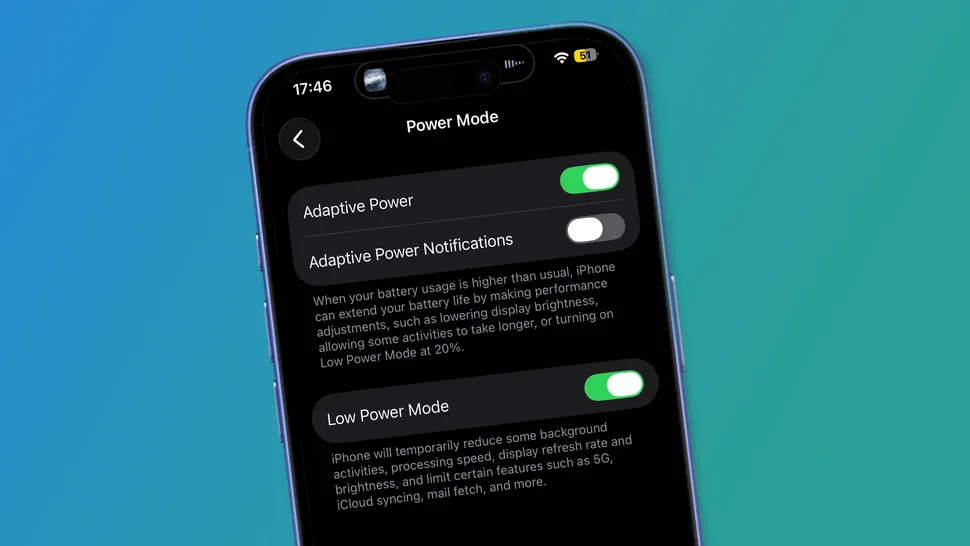 Built-in energy-saving features on iPhone (photo: Apple)
Why the myth persists
First, older phones handled background apps less efficiently. Second, it is not entirely a myth – there are exceptions.
"It doesn't apply to certain apps. GPS, video calls, and data checking apps are all constantly running in the background, even if you minimized them. Swipe these apps away to stop the drain on your battery," notes Atwal.
Chugh also agrees that closing apps makes sense if they have frozen, consume excessive battery, or continue using internet and location services in the background.
What to do instead
Closing apps is not harmful, it’s just not the universal battery-saving method many believe it to be. There are much more effective habits.
"Look at screen brightness, it’s killing your battery," advises Atwal. He recommends turning on auto-brightness or lowering the level manually, disabling background app refresh, and limiting location access only to apps that truly need it.
According to Chugh, simple but regular actions make a difference: using Wi-Fi instead of mobile data, enabling low power mode, and turning off GPS and Bluetooth when not needed.
Another often underestimated factor is temperature. "Simple steps like keeping the phone away from extreme heat or cold, as batteries degrade fastest above 35°C or below 0°C, can also help your battery last longer and stay healthy over time," the expert notes.
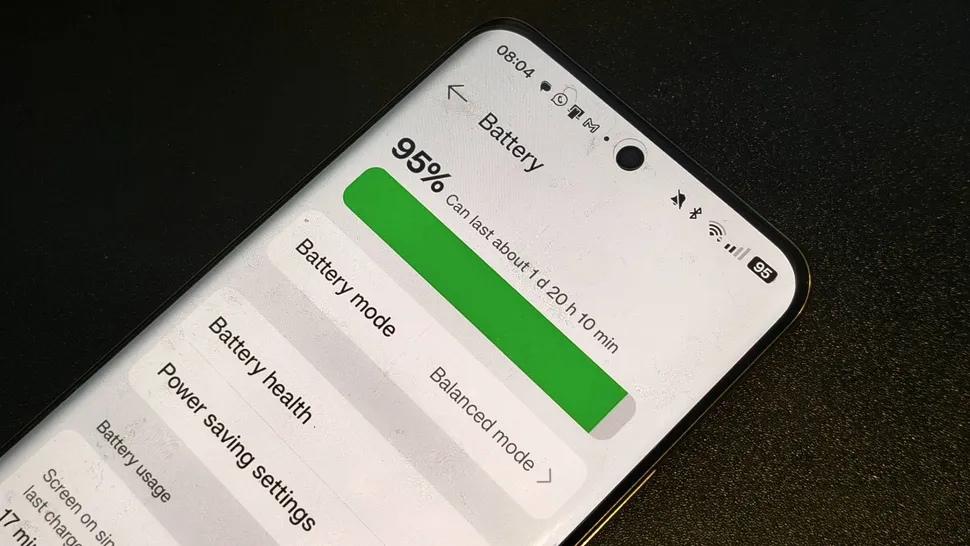 Screen brightness consumes battery power rapidly (photo: Future)