5 Apple Watch Digital Crown tricks you probably didn’t know

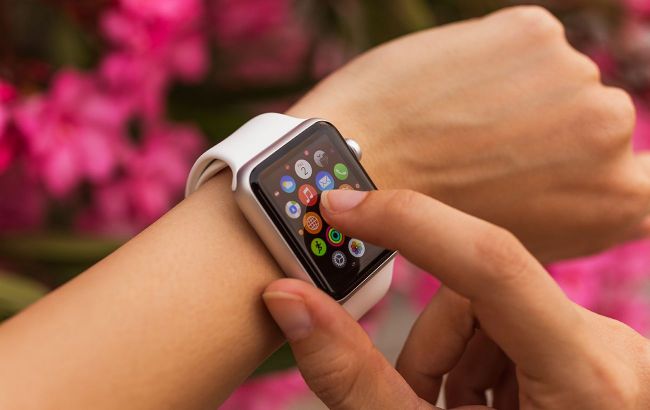 The Digital Crown makes using Apple Watch twice as fast (photo: Getty Images)
Developers have built significantly deeper functionality into the Apple Watch Digital Crown mechanism than is commonly believed. The button is not only useful for keeping the display free of fingerprints, but also for accessing features hidden deep within the interface, according to BGR.
Let’s look at 5 unusual ways to use the Digital Crown
Blind volume control
One of the most practical features: you don’t need to look at the screen to adjust volume. While playing music or podcasts, open the playback widget and turn the Digital Crown.
Smooth rotation lets you fine-tune sound even if your phone is in another room or in your pocket.
Instant switching between recent apps
Instead of repeatedly returning to the full app grid, use a double press on the crown. This instantly opens the list of recently used apps.
It’s especially useful when you need to quickly check a messenger notification and immediately return to a workout or maps.
Personal hotkeys (triple click)
You can turn the Digital Crown into a quick-access button for advanced features. In the Accessibility menu, you can assign an action to a triple press.
For example, you can instantly enable Zoom, VoiceOver, or AssistiveTouch, which allows controlling the watch by hand gestures.
Interactive navigation and time travel
The crown unlocks unique features in certain apps:
- Watch faces: on astronomical dials, turning the crown lets you view star movement or Moon phases in the past or future.
- Maps and Compass: it enables smooth zooming and route navigation switching, which is more convenient than pinching on a small screen.
Smart widgets without touching the screen
To quickly check the weather or calendar without touching the display, turn the crown upward from the watch face. This opens Smart Stack, a context-based widget list.
Turning it the other way opens a list of missed notifications.
Developers emphasize: long-pressing the Digital Crown is the only safe way to exit Water Lock mode after swimming. The watch emits sounds to eject moisture from the speaker.